If you’ve been looking for a way to break into the world of blogging without spending years typing away at a keyboard or thousands of dollars on professional designers, you are in the right place.
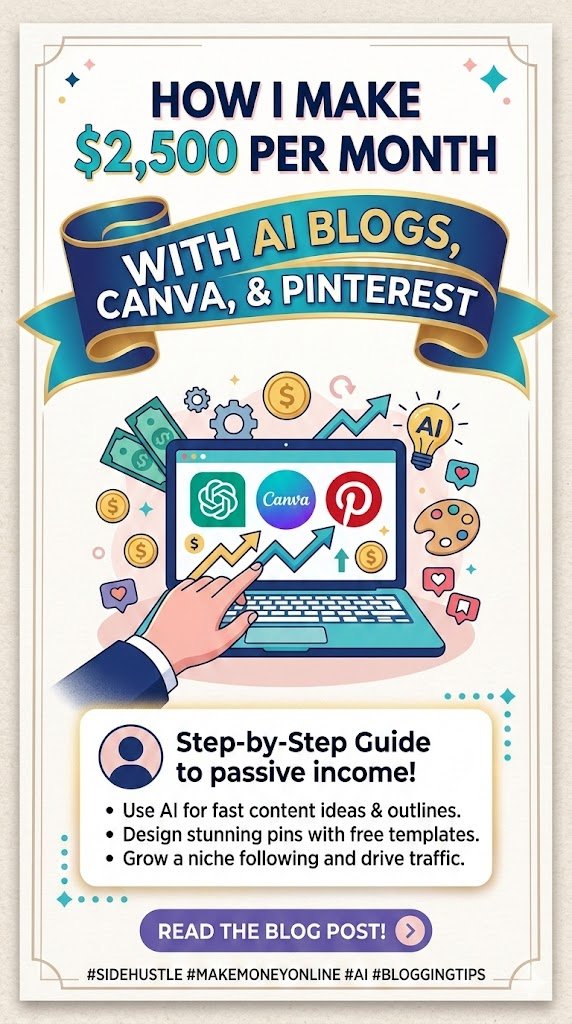
I’m going to be completely honest with you: blogging has changed. In 2026, we aren’t just “bloggers” anymore; we are AI-assisted content curators. I’ve managed to build a steady $2,500 per month income stream using a specific workflow that combines the brains of ChatGPT, the beauty of Canva, and the massive traffic engine that is Pinterest.
Best of all? I monetize the whole thing through Mediavine, which handles all my ads so I can focus on the creative stuff. Today, I’m pulling back the curtain to show you exactly how I do it, step-by-step.
The Big Picture: My Three-Pillar System
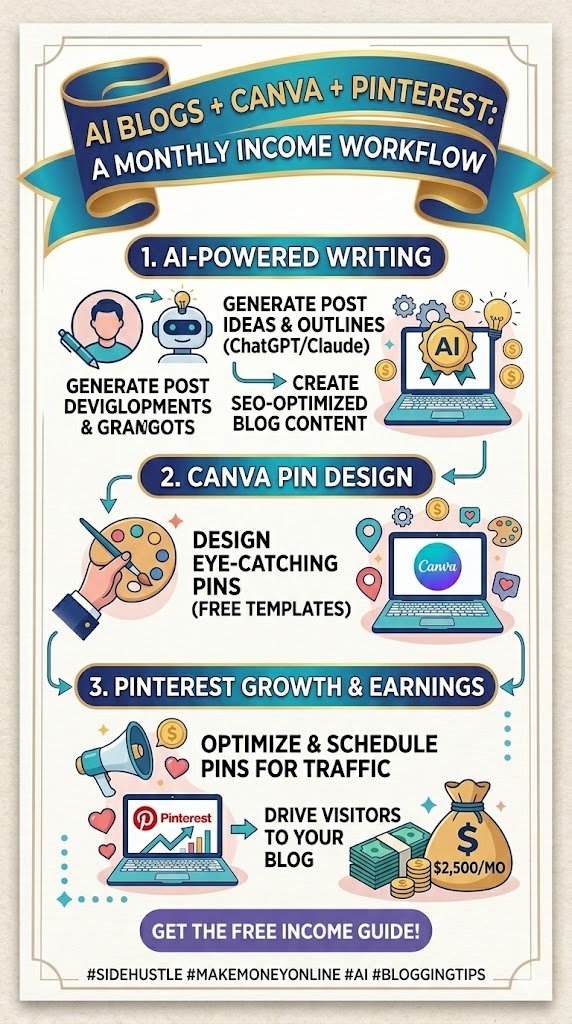
Before we dive into the “how-to,” let’s look at the “what.” My strategy relies on three specific tools working in harmony. Think of it like a digital assembly line:
- ChatGPT (The Brains): I use ChatGPT to brainstorm niche ideas, write SEO-optimized blog posts, and even create my Pinterest descriptions.
- Canva (The Beauty): I take the core ideas from my blog posts and turn them into eye-catching “Pins.” Pinterest is a visual search engine, and Canva makes me look like a pro designer.
- Pinterest (The Engine): This is where the magic happens. I don’t wait for Google to find me. I “push” my content to Pinterest, which sends thousands of visitors back to my site.
Step 1: Picking a High-RPM Niche with ChatGPT
You can’t just blog about anything if you want to make $2,500 a month. You need a niche that advertisers love. In the world of Mediavine, we talk about RPM (Revenue Per Mille), which is fancy talk for “how much you get paid per 1,000 views.”
I always start by asking ChatGPT to help me find “high-intent” niches. I look for topics where people are ready to solve a problem or buy something.
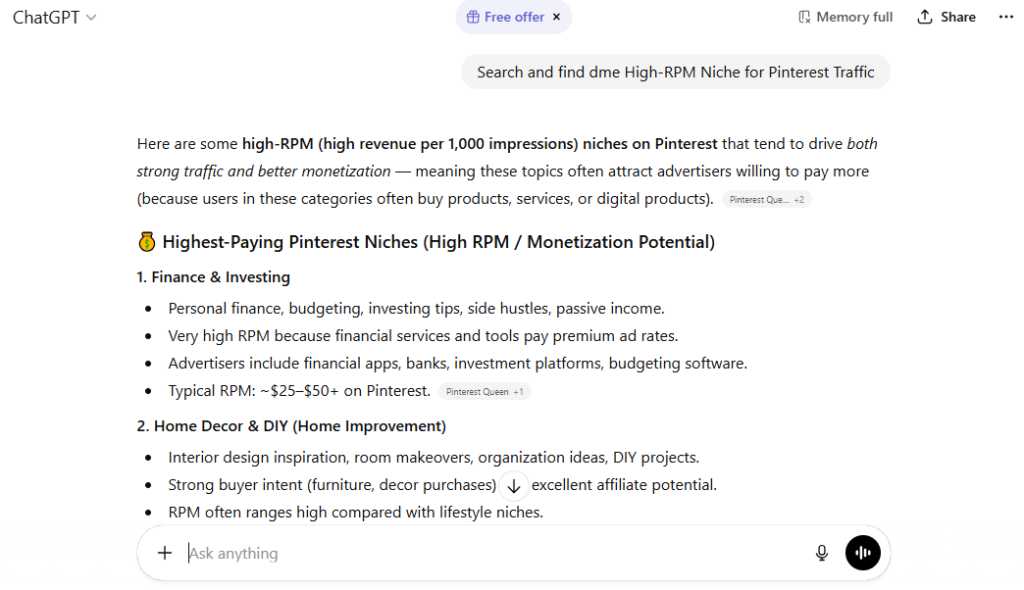
My favorite niches for 2026:
- Home Decor & Organization: High visual appeal for Pinterest.
- Personal Finance & Side Hustles: Advertisers pay big bucks here.
- Eco-Friendly Living: A massive trend this year.
- AI Productivity Tools: Meta, but very profitable!
Once I have a niche, I ask ChatGPT: “Give me 50 low-competition, long-tail keyword ideas for a blog about [Niche].” I then pick the ones that sound the most “pinnable”—things like “10 Best Ways to Organize a Tiny Kitchen” or “How to Save $500 a Month Using AI.”
Step 2: Writing “Human-Centric” AI Content
Google and Mediavine have gotten smarter. You can’t just copy-paste raw AI text anymore. It needs to feel human, practical, and helpful.
Here is my 5-step ChatGPT writing workflow:
- The Outline: I ask ChatGPT for a detailed outline based on my keyword.
- Section by Section: I don’t ask it to write the whole blog at once. I ask for one section at a time. This keeps the quality high.
- The “Vibe” Check: I prompt it to use a “first-person, conversational tone” and to “include personal anecdotes or hypothetical examples.”
- Fact-Checking: I always double-check any stats or technical advice. AI can hallucinate!
- SEO Optimization: I make sure my main keyword is in the first paragraph, the subheadings (H2s), and the conclusion.
Pro Tip: In 2026, “Expertise, Authoritativeness, and Trustworthiness” (E-A-T) is everything. I always add a “My Take” section at the end of every post to give it that human touch.
Step 3: Designing Viral Pins in Canva
Now that the blog is live, it’s time to get people to see it. Pinterest is where the “Imperfect by Design” trend is huge right now. People want visuals that feel authentic, not like corporate stock photos.
I use Canva to create 3–5 different Pins for every single blog post. Why? Because you never know which design the Pinterest algorithm will fall in love with.
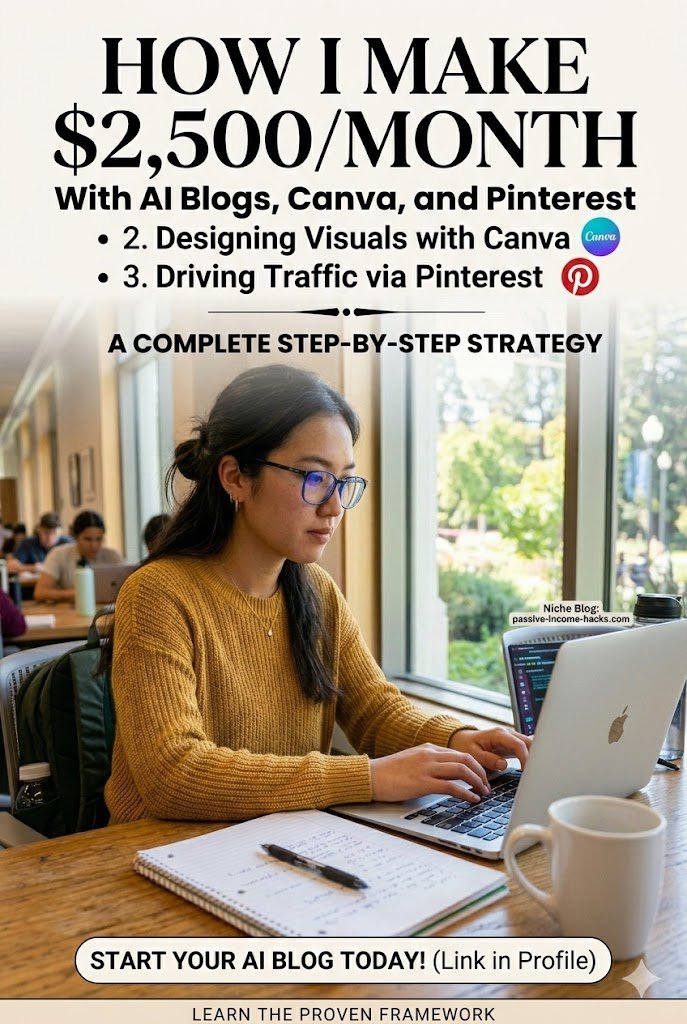
My Canva “Viral Pin” Checklist:
- Ratio: Always use 2:3 (1000 x 1500 pixels).
- Text Overlay: Use bold, easy-to-read fonts. Your “hook” should take up at least 40% of the space.
- Texture: Following the 2026 “Texture Check” trend, I use grainy overlays or “Notes App Chic” styles—handwritten fonts and scrapbook-style elements.
- Branding: I place my logo or website URL at the bottom so people remember who I am.
Step 4: Mastering the Pinterest Traffic Engine
Pinterest is a search engine, not social media. You don’t need followers to go viral; you need keywords.
I take my beautiful Canva pins and upload them to Pinterest. But I don’t just “post” them. I optimize them like a pro.
How to optimize your Pins for 2026:
- Pin Title: Start with your main keyword (e.g., “Budget Travel Tips for 2026”).
- Description: Use 2–3 sentences that naturally include your keywords. Think of it as a “mini-blog” that makes them want to click.
- Rich Pins: I make sure my website has “Rich Pins” enabled. This pulls my blog title directly onto the pin, making it look more professional.
- Consistency: I use a scheduler like Tailwind or Pinterest’s native scheduler to post 3–5 pins every single day.
Step 5: Monetizing with Mediavine (The Goal!)
This is the “payday” part of the strategy. Mediavine is an ad management company that puts high-quality ads on your site. Unlike Google AdSense, which might pay you pennies, Mediavine is known for its high RPMs.
The 2026 Mediavine Requirements:
- Journey Program: If you are just starting, you only need 1,000 sessions per month to join Mediavine’s “Journey” tier. This is a huge win for new bloggers!
- The Main Network: Once you hit about $5,000 in annual revenue (usually around 25,000+ monthly pageviews), you can graduate to the “Official” Mediavine tier.
By using Pinterest to drive traffic, I was able to hit the 1,000-session mark in my first month and scaled to the full Mediavine network within six months. At an average RPM of $30, getting 85,000 pageviews a month (which is very doable with Pinterest) gets me to that $2,500/month sweet spot.
Putting It All Together: Your Weekly Schedule
Success in blogging isn’t about working 80 hours a week; it’s about having a system. Here is how I manage my time to keep the $2,500 flowing:
| Day | Task | Time Spent |
| Monday | Keyword research & ChatGPT content for 3 posts | 3 Hours |
| Tuesday | Uploading posts to WordPress & formatting | 2 Hours |
| Wednesday | Canva design (15 Pins total) | 2 Hours |
| Thursday | Scheduling Pins for the week & Pinterest SEO | 1 Hour |
| Friday | Analyzing Mediavine dashboard & minor tweaks | 1 Hour |
Total work week: Around 9-10 hours. Not a bad trade-off for a full-time income!
Ready to Start Your Own Journey?
The world of AI blogging is moving fast. In 2026, the people who are winning are the ones who combine AI efficiency with human creativity and visual marketing. You don’t need to be a tech genius; you just need to follow the process and use the right prompts.